Petco – Project Documentation
Download APK
(Enable "Install unknown apps" on your Android device)
Or scan to download
GitHub Repository
https://git.nwt.fhstp.ac.at/cc241037/ccl3_petcoDay 1
Name of App: Petco
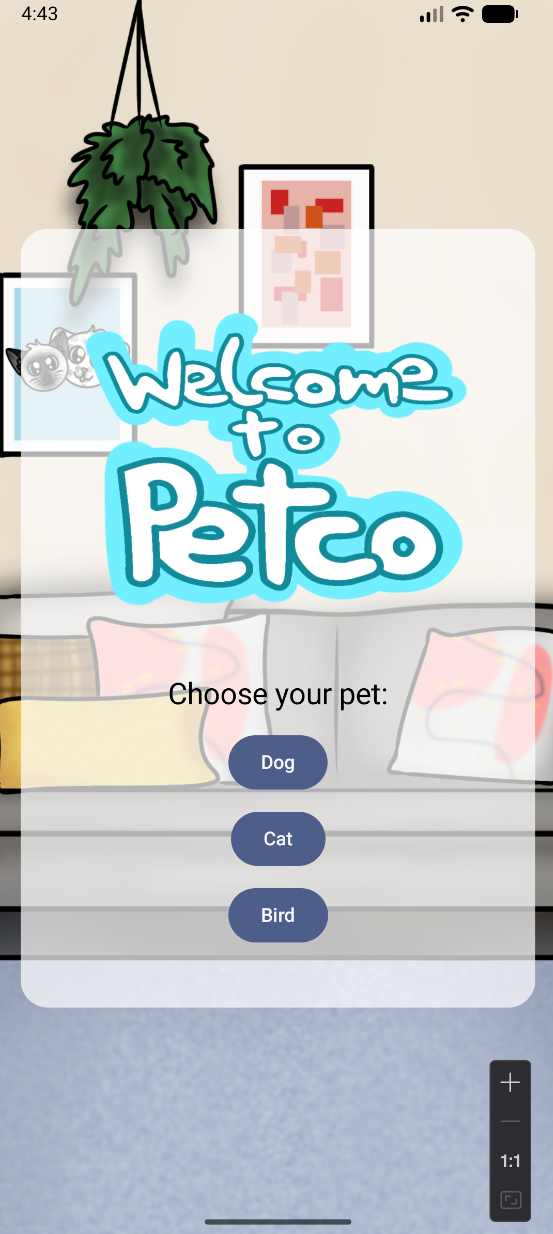
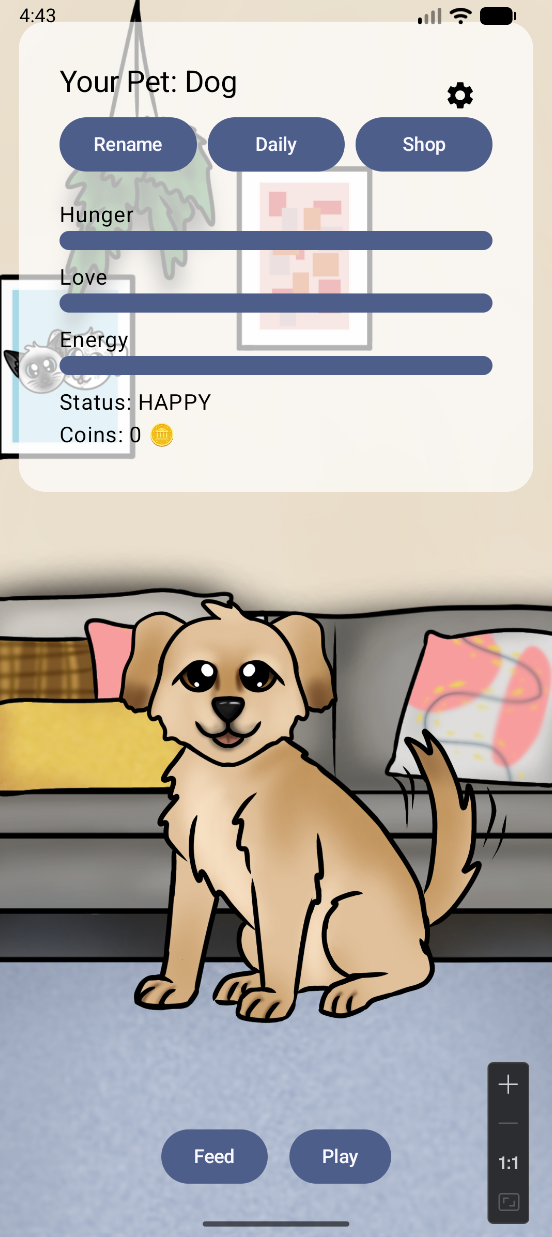
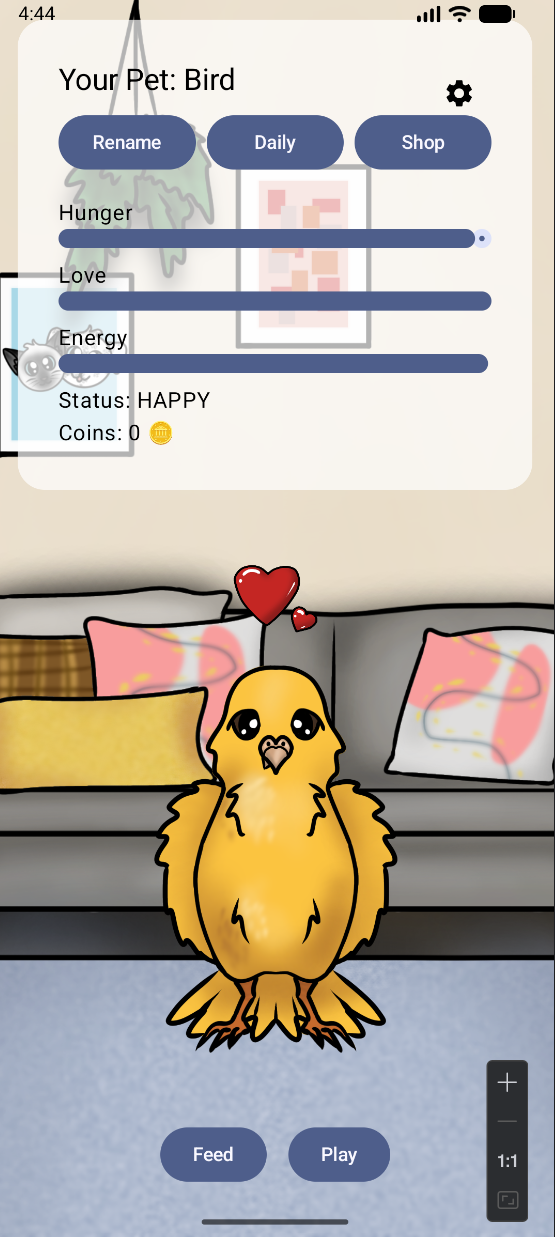
Petco is an app where you can take care of your own virtual pet. You can choose between different options of pets, style your pet, feed it and have many other activities with it. Petco can be compared to the mobile games "Pou" or "Talking Tom".
Team Members: Vanessa Kandler & Sarah Borek
App Concept
Target: Children or young adults
Use Case: Taking care of your virtual pet
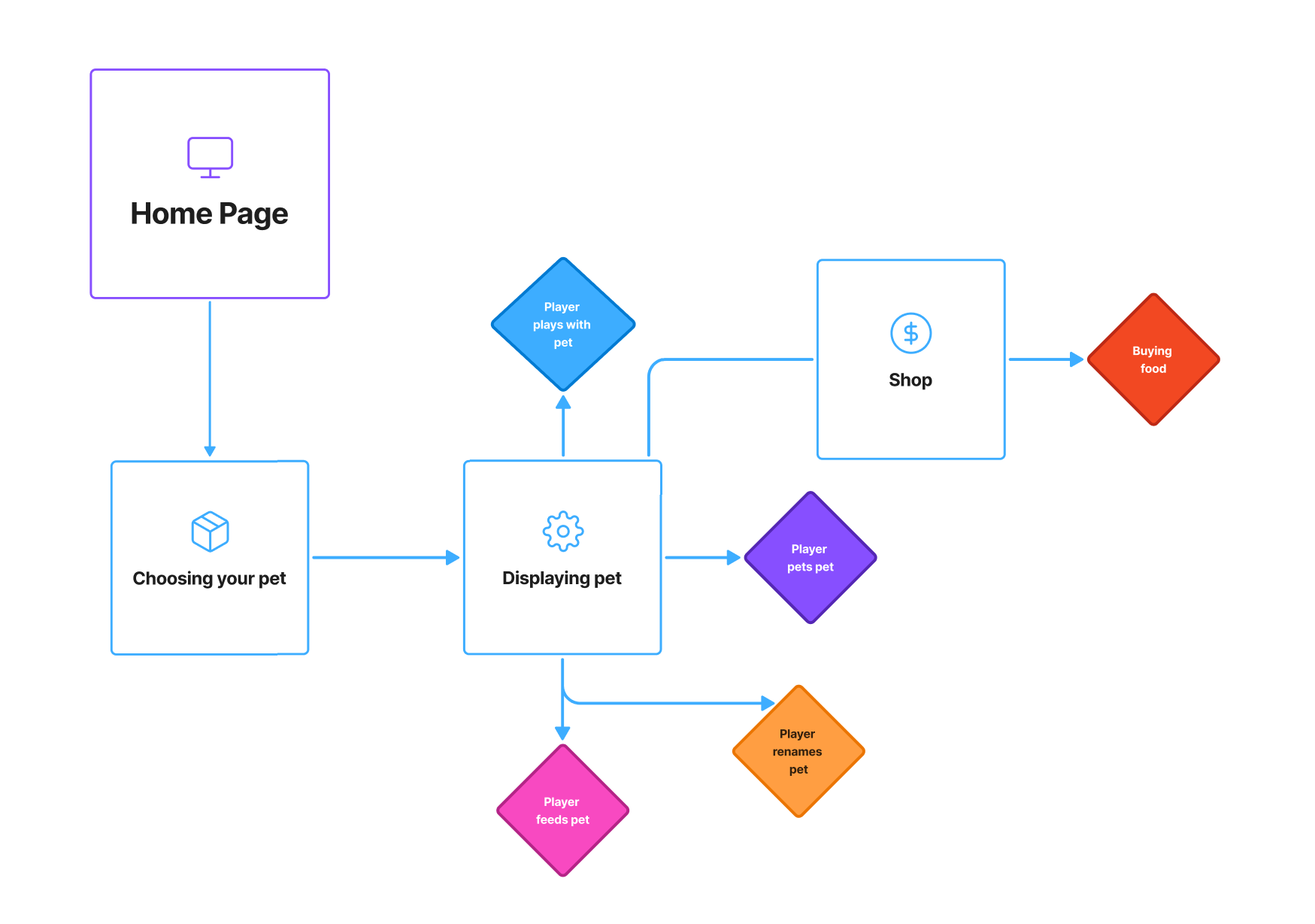
User Flow:
- User opens app
- User chooses a pet and names it
- Pet is displayed
- User can now feed pet, pet pet, play with pet or rename pet
- User can go into the shop
- User can buy food in the shop
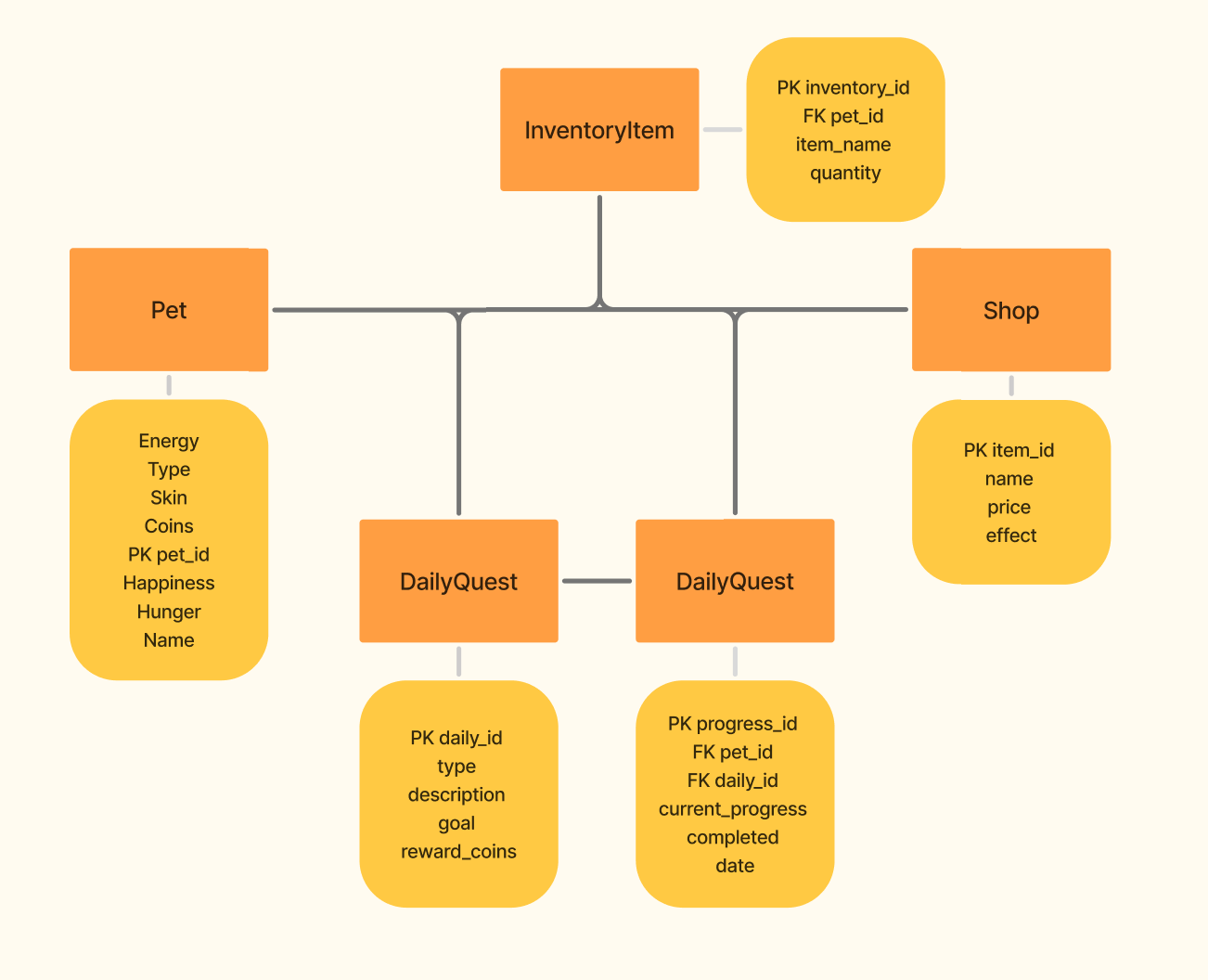
Entity Relationship Diagram
The Entity Relationship Diagram (ERD) shows the local data structure of the Petco app. As the application does not include a user login system, all stored data is associated with a single pet.
The Pet entity stores the pet’s name, type, skin, status values (hunger, happiness, energy), and coins. Purchased food items are stored in the InventoryItem entity and linked to the pet.
Available shop items are defined in the ShopItem entity, which contains static data such as item name, price, and effect.
Daily missions are defined in the DailyQuest entity, while the DailyProgress entity tracks the pet’s progress and completion status for daily quests on a per-day basis.
This structure supports the core gameplay features of the app, including pet care, inventory management, daily quests, and coin rewards.
Day 2
- Vanessa: Programmed daily quests
- Sarah: Drew skins and implemented them into the code. Made it so you can change skins
Day 3
- Vanessa: Fixed some Daily quests issues and implemented the shop
- Sarah: Created the bird pet and drew the skins for the birds
Day 4
- Vanessa: Fixed some bugs and implemented a Daily Quest Streak bar
- Sarah: Programmed the shop with buyable items
Day 5
- Vanessa: Fixed some issues and made a working inventory
- Sarah: Made a better shop design and implemented music
Day 6
- Vanessa & Sarah: Interviewed and tested the app with three test users
Day 7
- Vanessa: Changed delete icon to settings icon and implemented a music toggle on and off function
- Sarah: Reworked quests and added more emotions to pet
Day 8
- Vanessa: Worked on the GitLab Pages
- Sarah: Did some small adjustments
Day 9
- Created the presentation and prepared everything for the last day
Day 10
- Testing App with other students and end of the 3. CCL
Final Reflection
Sarah Reflection
Overall, CCL3 was not as stressful as I initially expected. I had already created the basic foundation of our app in Mobile Coding, which allowed us to build upon it and add new features instead of starting from scratch.
One of the main challenges at the beginning was working with Git and merging our changes. Since this was our first group CCL, we first had to learn how to avoid interfering with each other while coding and how to properly manage pulls and pushes.
My main contributions to the app were the art assets (all self-drawn), implementing the selectable animals, programming the shop, and adding music. For the user tests, Vanessa and I both approached people to test our app and later implemented the feedback we received, such as adding settings, adjusting button colors, and making the pet react when the player interacts with it.
Of course, I also did some debugging, although that was something both of us had to do. In the end, we managed to complete our app with almost no major issues.
Vanessa Reflection
I contributed to the project by implementing the daily quest system as well as the coin system and inventory for feeding the pet. I also spent a lot of time fixing bugs throughout the development process.
Surprisingly, I enjoyed the user testing phase the most. We chose lecturers as our test users, most of whom had taught us in the previous semester. It was interesting to talk to them again and show how much we had progressed since then. They also provided very valuable feedback, which we were able to implement successfully.
The part I struggled with the most was at the very beginning when we tried to connect our projects using GitLab. We made many mistakes while pushing and pulling the project at first, but we learned from those experiences and eventually made it work.
The daily quests also caused several issues. Sometimes they did not work properly, and other times they broke when I changed something completely unrelated in the code. Overall, CCL3 was the easiest CCL so far, mainly because we worked as a team and Sarah had already created the basic foundation of the app.
App Preview